If you're good at Excel, are you also good at AI?
Being an Excel expert doesn't automatically make you good at using AI.
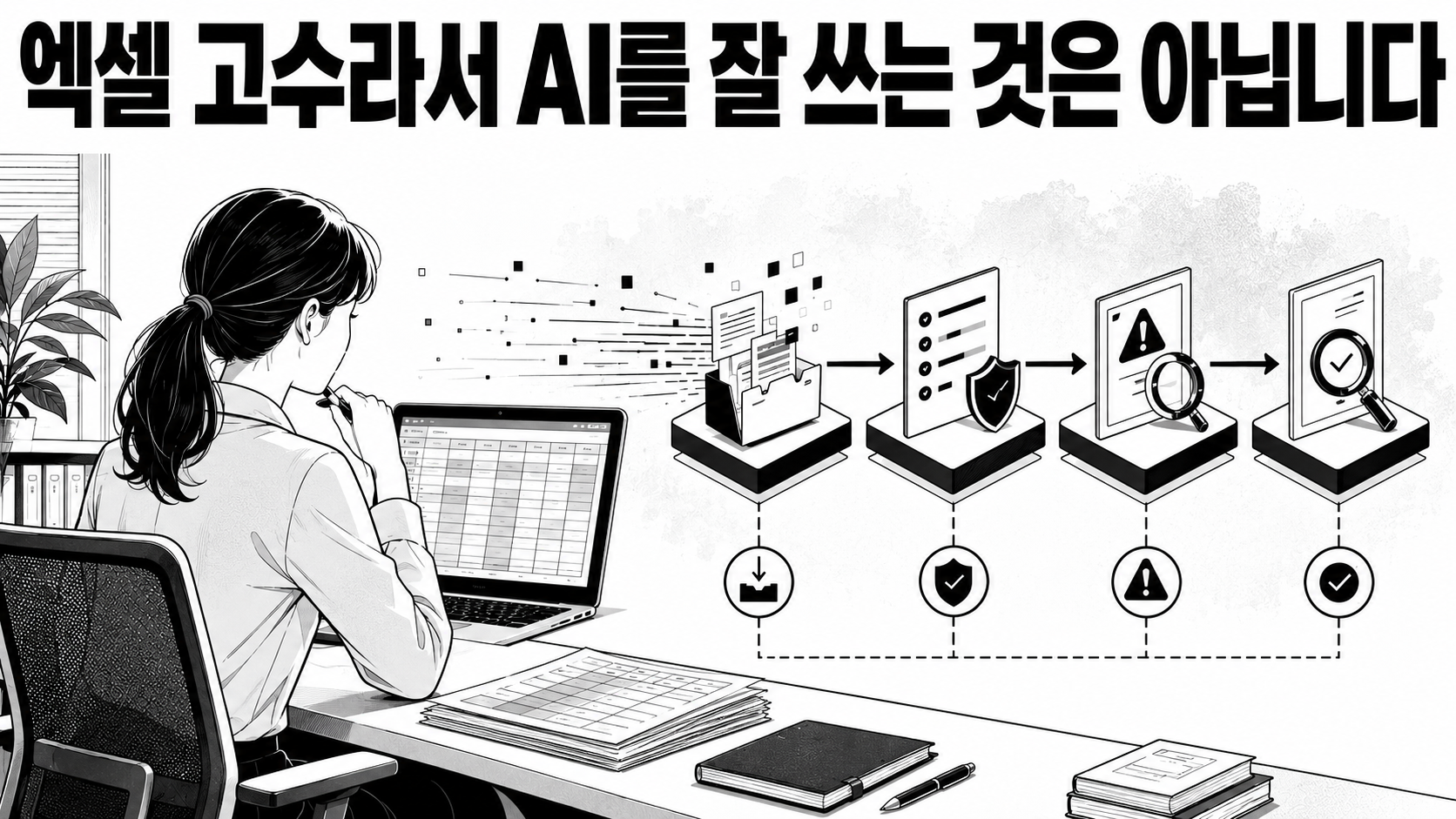
I only half agree with the statement that people who are good at their jobs are also good at using AI. AI can actually significantly lower the barrier for beginners to start. However, the ability to properly complete complex tasks from start to finish still depends on the power to structure work and verify results.
The people around me who are exceptionally good at Excel aren't just those who know a lot of functions. When a task comes in, they first structure the table. They consider which numbers are original, who modifies them, where errors might occur, and whether the same process can be run next month.
Therefore, it's more appropriate to rephrase this question as follows:It's not whether someone good at Excel is good at using AI, but whether someone who has handled tasks with data, rules, exceptions, and verification can utilize AI more stably.
In summary, it's this:
AI makes it easier for beginners to start, but the ability to take responsibility for complex tasks until completion depends on task design and verification.
AI doesn't necessarily make experts stronger.

Here, one counterargument is important. Saying 'only people good at their jobs use AI well' oversimplifies actual research.
In tasks with relatively clear criteria, such as customer support and writing, studies have shown a greater improvement for low-skilled and low-performing individuals. This is because AI quickly provides good sentences, standard procedures, and previous solutions. In other words, AI is a tool that amplifies the work of experts, while also conveying some of the experts' methods to beginners.
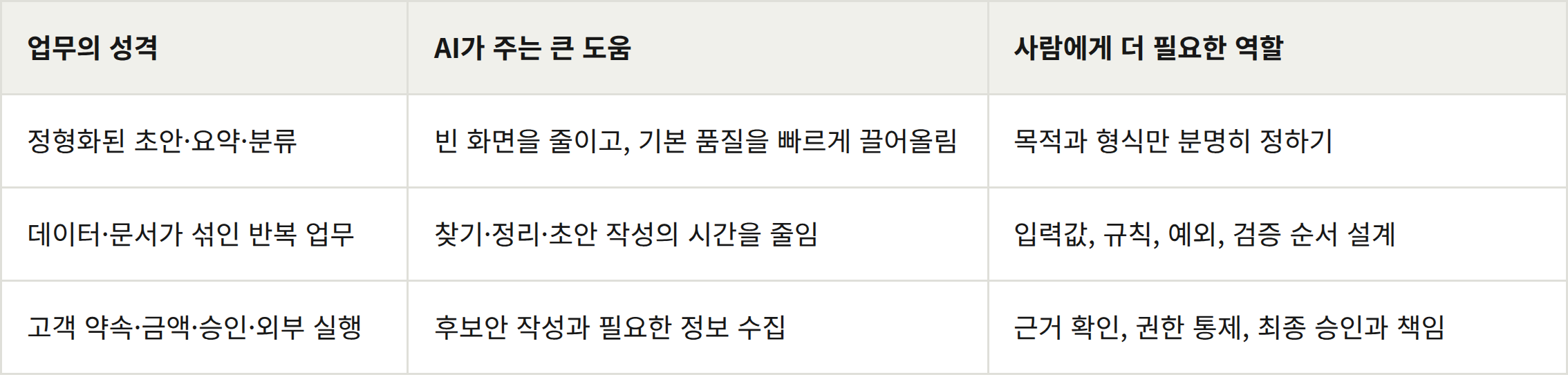
Conversely, in tasks where goals are ambiguous, exceptions are numerous, and customer context, latest policies, approvals, and accountability are crucial, the human ability to decide what to delegate and what to verify becomes more important than AI's speed in generating answers. Quickly producing many plausible answers is different from actually completing a task successfully.
Being good at Excel means designing a small work system.
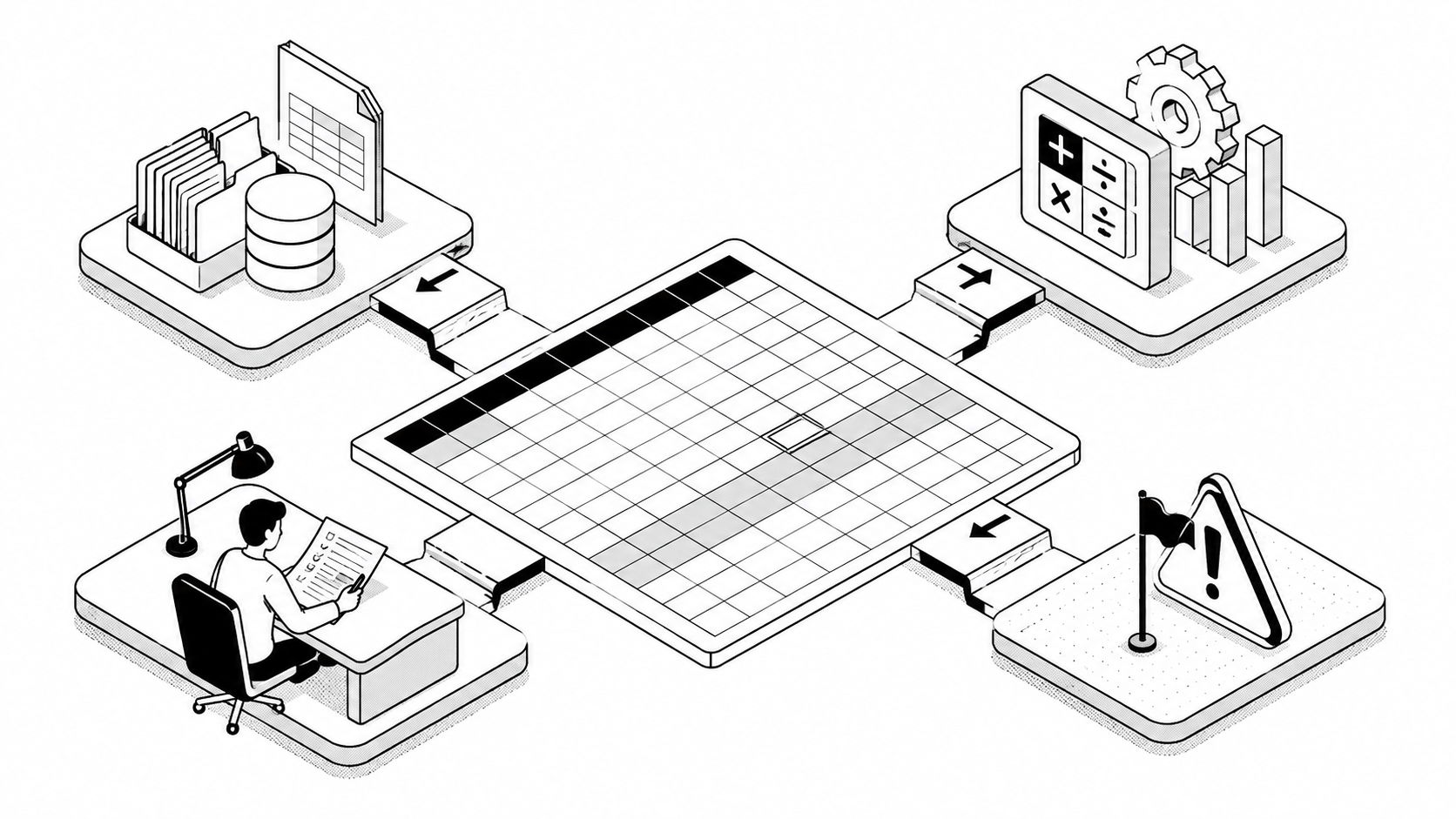
Even when creating a sales report, you don't just paste numbers. You determine what should be input values, what should be calculated values, which values a person needs to verify, and how far changes in numbers should automatically propagate.
This process already contains the intuition needed for AI utilization.
What is the true goal of this task?
What are the repetitive tasks and exception handling?
To what extent can AI or functions be entrusted with steps?
What values must a person verify last?
What needs to be left for the next person to take over?
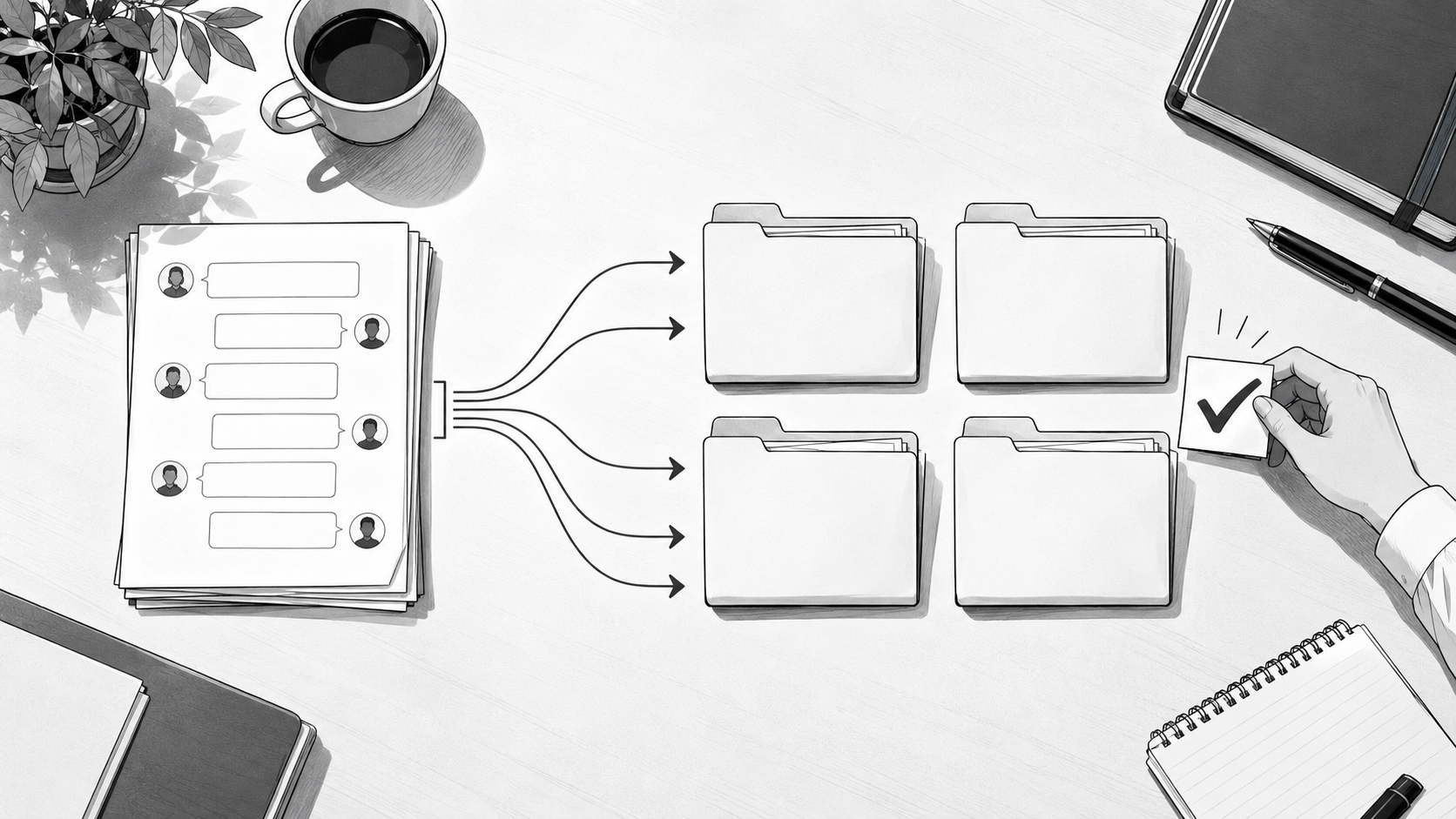
For example, saying 'summarize the meeting minutes' is different from saying 'separate decisions, open issues, responsible parties, and deadlines, and flag any definitive statements without evidence.' The person capable of the second request is not someone who has memorized many prompts, but rather someone who understands how meeting minutes should be written for work to progress.
A prompt is an interface that conveys task design.
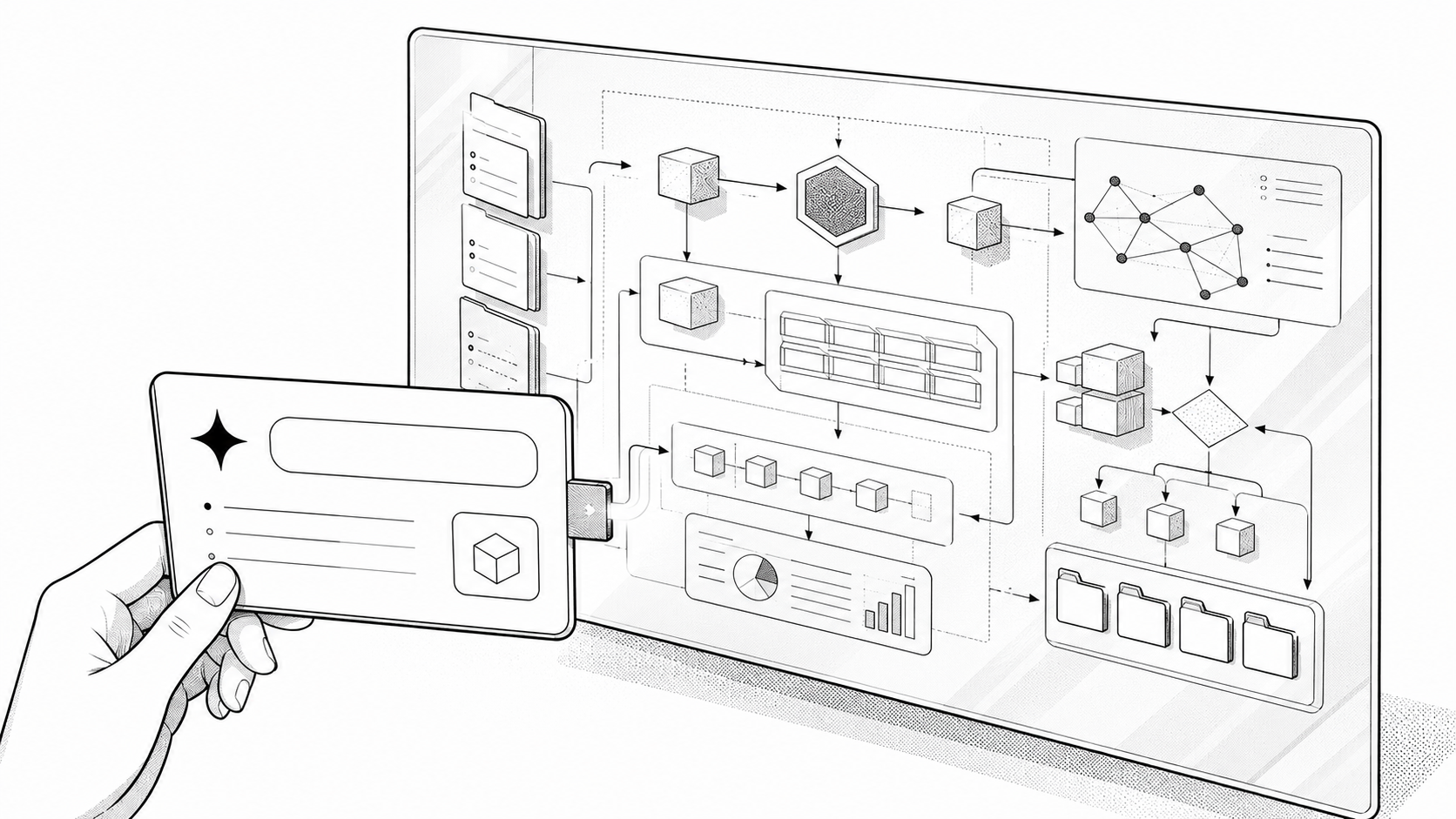
Good prompts are important. This is especially true for low-risk tasks that conclude with a single response, such as short drafts, translations, or format conversions.
However, in repetitive and knowledge-intensive tasks, a prompt is just one step in the overall process. Without defining what data to input, what the latest data is, how to verify the results, and who approves exceptions, even a long and plausible prompt cannot complete the task.
A prompt is an interface that conveys good task design.
A prompt cannot replace task design.
Instead of telling AI, 'be accurate,' it's better to design it by saying, 'cross-reference amounts with the approved cost sheet, leave blank if there's no basis, and do not send if the discount limit is exceeded.' The former is a wish, the latter is a verifiable business rule.
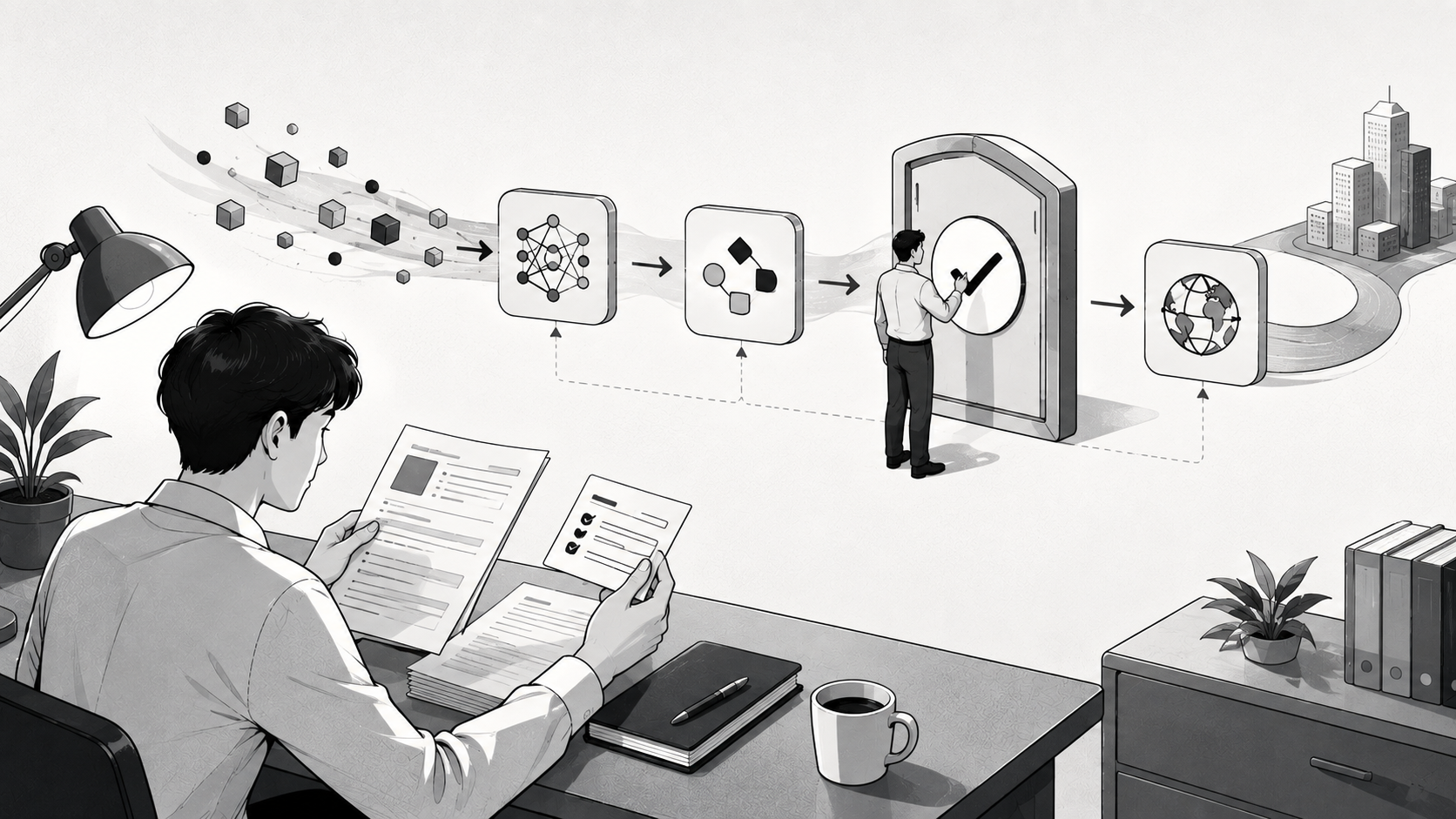
AI utilization is ultimately linked to computer literacy.

AI doesn't work alone. It needs to find files, read tables, compare documents, and check the context of emails or CRM. Results must be put back into spreadsheets or reports and, if necessary, connected to the next workflow.
Therefore, AI utilization is less about knowing how to use a specific service and more about how freely one can manage tasks through a computer. This includes habits like organizing files and folders, the intuition to view data as tables, the ability to compare search results, the habit of checking permissions and versions, and the power to connect results to the next stage.
This doesn't mean you have to learn to code. Not everyone needs to become a developer. However, one should be able to understand what information their task starts with, what judgments it goes through, and what results it ends with. Sometimes Excel, sometimes a document tool, and sometimes AI might be the best answer.
AI education must go beyond prompt training.
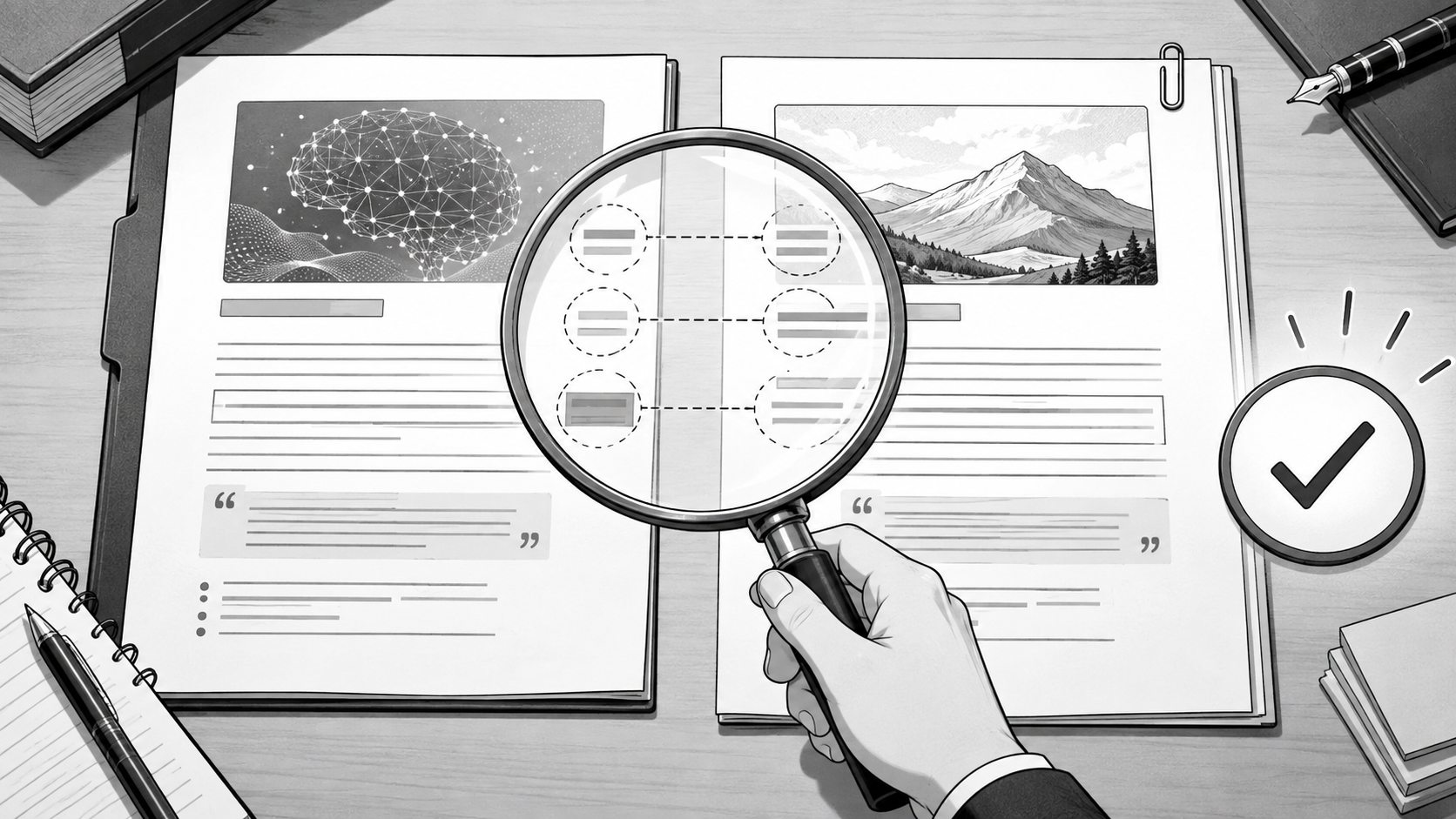
Therefore, it's regrettable if AI education stops at 'entering this prompt will create meeting minutes.' There are questions that need to be asked first: What needs to be decided in this meeting? What are facts and what are opinions? Who needs to verify? What needs to be left for the next person to take over?
The goal of AI education is not to make only experts better at using it. For beginners, it should lower entry barriers by providing good examples, input forms, step-by-step hints, and verification checklists. Simultaneously, everyone should be encouraged to choose a real task, break it down, separate the steps AI will handle from those humans are responsible for, and develop the habit of verifying results.
I view AI utilization as close to the product of the following four factors. This is not a quantitative formula from research, but a task design framework based on this research.
Task Understanding × Digital Tool Utilization × Workflow Design × Verification Habit
If one of these four elements is weak, AI's results will easily falter.
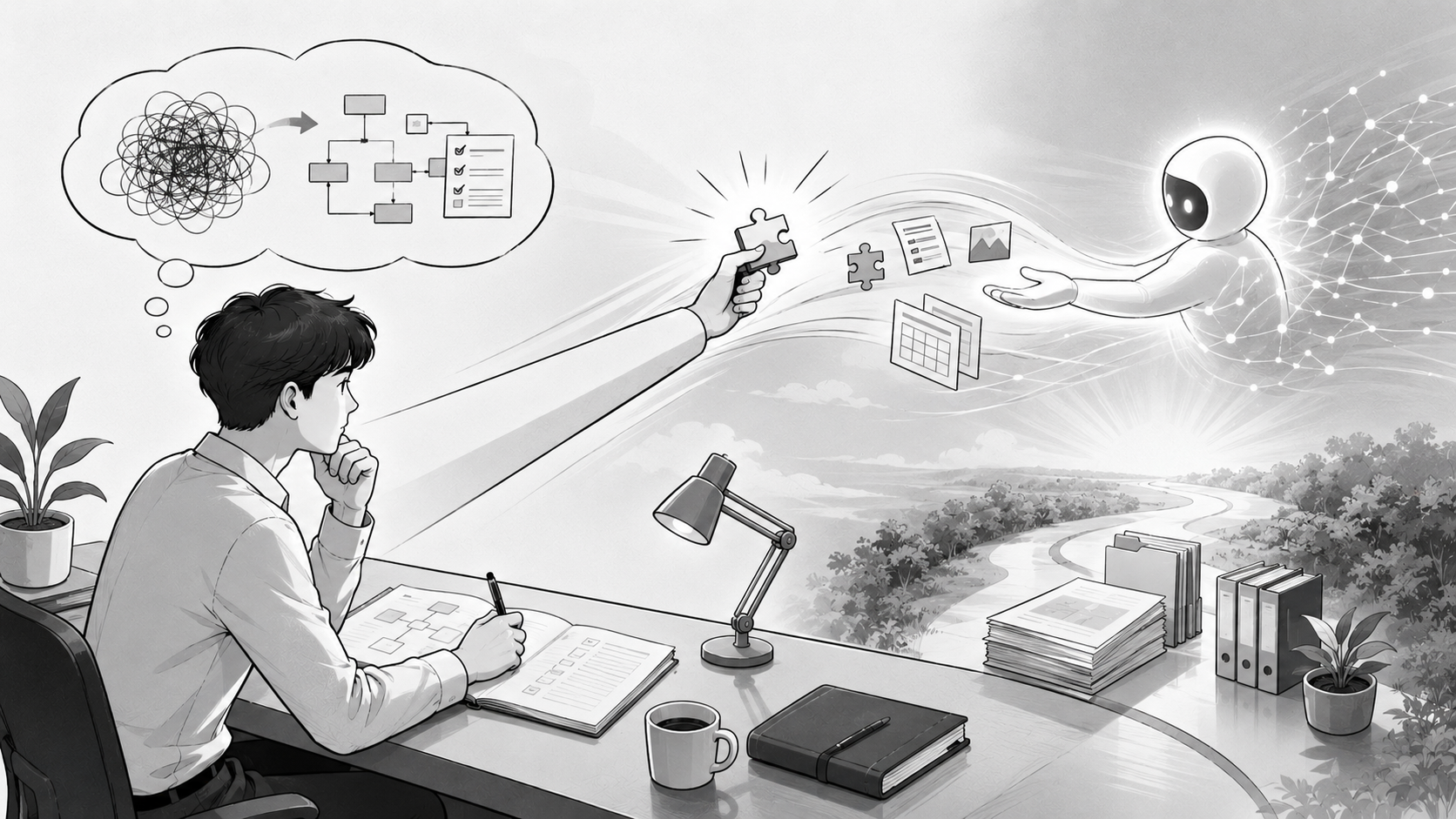
The reason someone good at Excel is likely to be good at AI is not because Excel functions transfer to AI. It's because they have already been trained to structure tasks and find errors. AI is less a tool that replaces thought and more a tool that extends the reach of well-organized thought.
Sources and References
• Brynjolfsson, Li & Raymond,Generative AI at Work — A study analyzing the relatively large improvements in low-skilled and low-experience groups after AI adoption in customer support.
• Noy & Zhang,Experimental evidence on the productivity effects of generative artificial intelligence — A randomized experiment on professional writing tasks.
• Dell’Acqua et al.,Navigating the Jagged Technological Frontier — A consultant experiment showing different results inside and outside the scope of AI capabilities.
• Microsoft Research,The Impact of Generative AI on Critical Thinking — A self-reported survey study based on actual use cases. Not generalized as causal.
• This article is a practical column that synthesizes the above research and internal research. It does not make a causal claim that 'Excel proficiency directly predicts AI performance.'