AI making the same mistakes? Start a 'failure log' before adjusting prompts.
If "do it again" is repeated, the problem isn't a single answer.
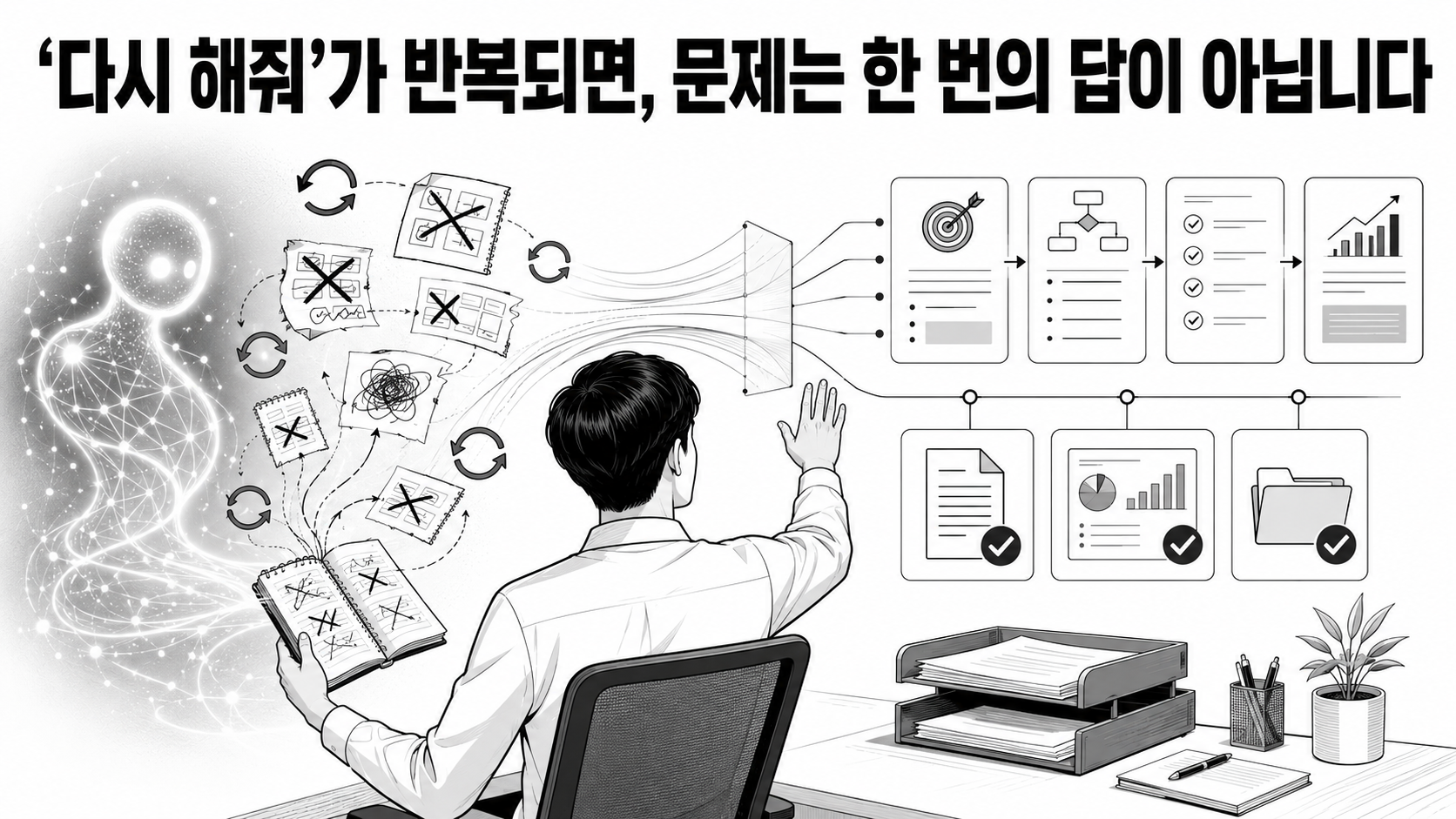
I asked the AI to draft an email, but it omitted the date. If I ask it to fix it, this time it changes the contact person. In meeting minutes, it records opinions as if they were decisions. Each time, I end up writing a slightly longer prompt, but if I do a similar task next week, the same error reappears.
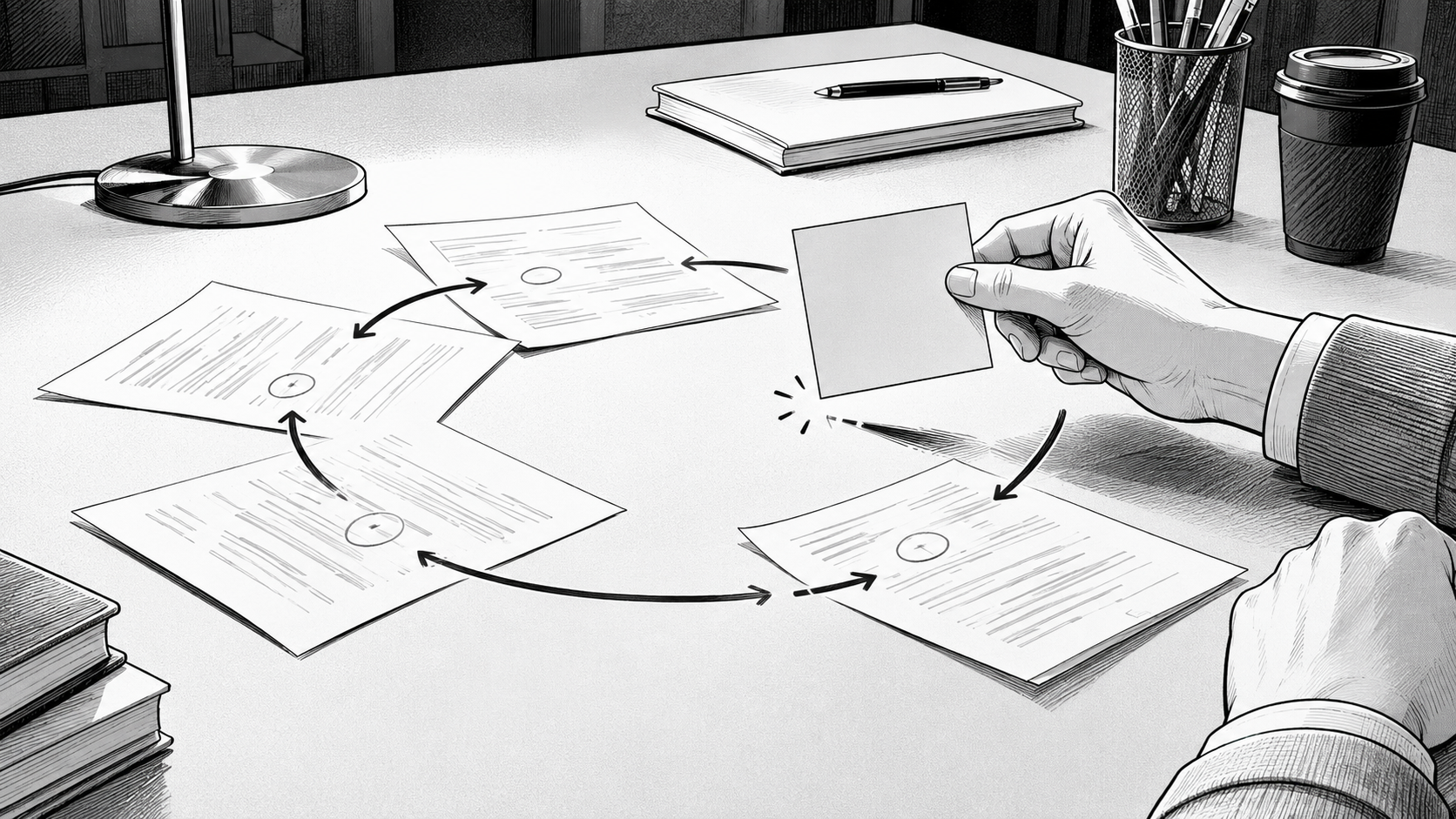
What's needed in such cases isn't a more elaborate prompt, but a small record of 'what went wrong under what conditions.' A good prompt can improve today's results. On the other hand, a record of failures creates a standard for re-testing changed prompts, models, and data.
In a nutshell, it's this:
People who use AI well don't stop at fixing an answer once; they make it possible to catch the same mistakes again.
This isn't just an 'evaluation' story for developers.
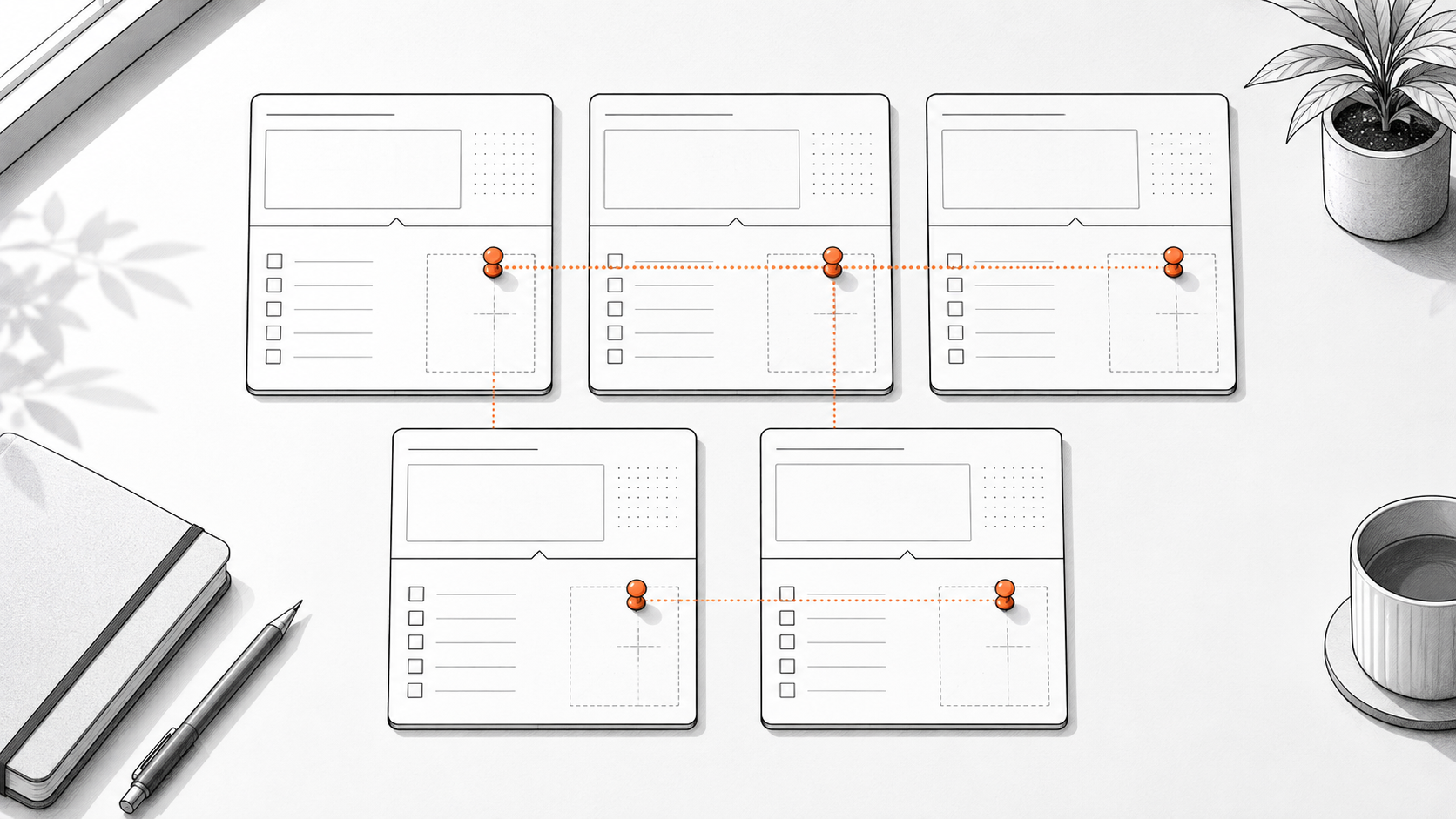
The evaluation guided by OpenAI is not a performance review for people, but rather the process of testing AI-generated results against predefined examples. The idea is to input the same examples in the same way each time and check if the results meet the criteria. Since AI models (different AIs like GPT and Claude) can produce different results even with the same input, the purpose is to collect real-world examples and compare them frequently. Of course, not every employee needs to create development tools or complex testing environments.

For daily tasks, a single spreadsheet is enough. You can list common AI errors row by row and re-test them when you change prompts or use a different model. This small list becomes your own 'golden set.' That's what the industry calls a standard set of examples used as a benchmark for comparing performance.
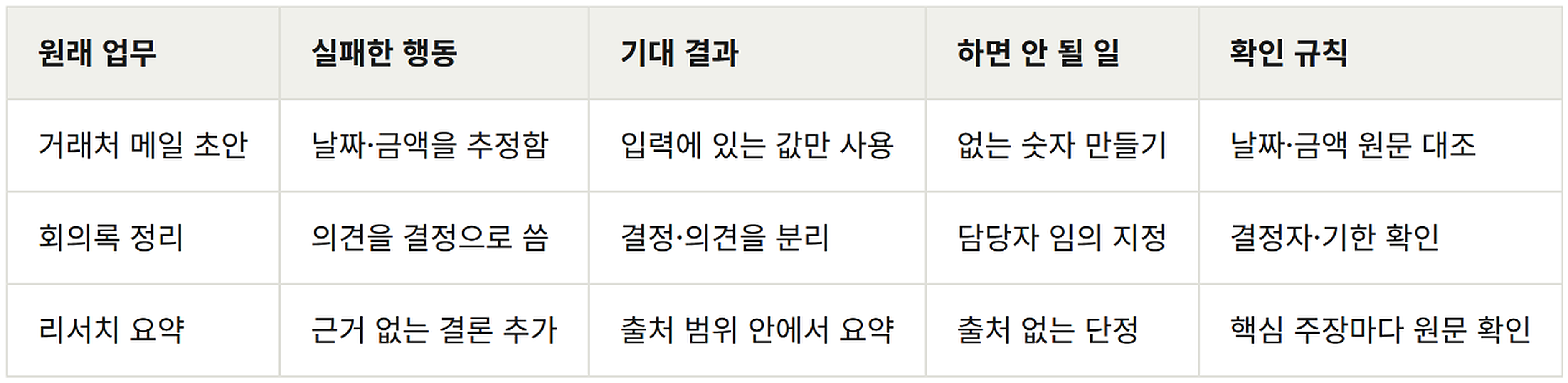
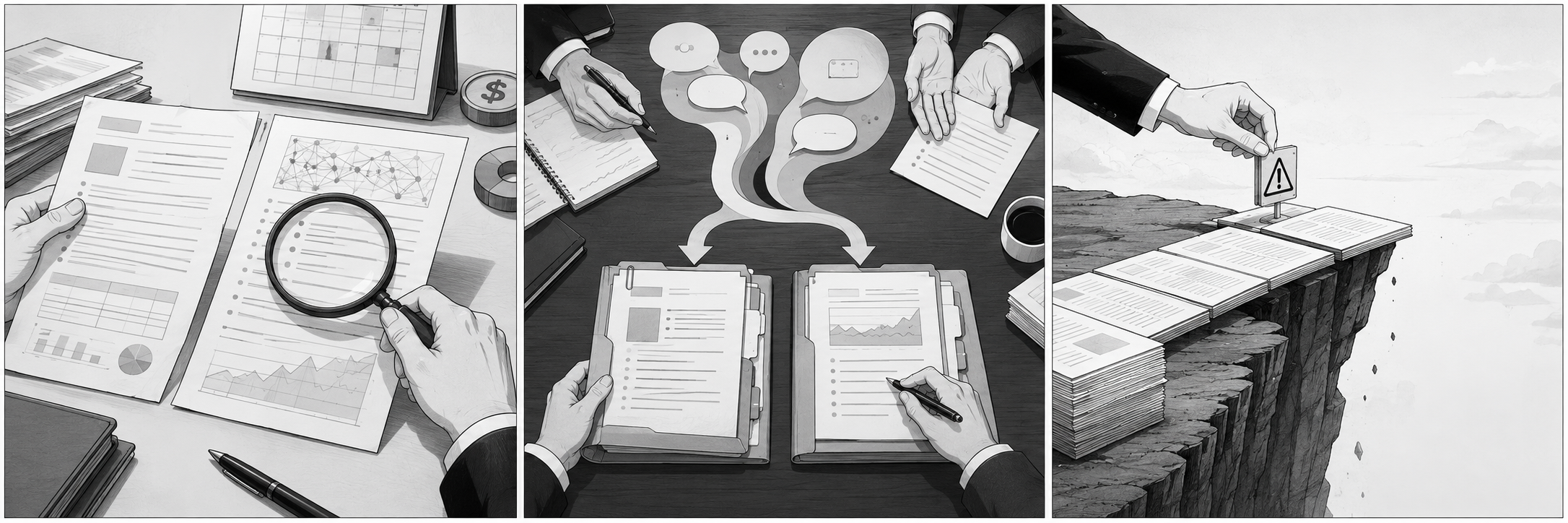
Here's how to start recording failures:

Choose just one recurring task.It should be a frequent task, like weekly emails, meeting minutes, or report summaries.
Document 3-5 actual failure cases.Remove personal information or company secrets, and briefly describe the problematic part and the expected outcome.
Write down the 'action to prohibit' in one line.For example, state it clearly like "Do not create unverified dates."
After changing the prompt or model, re-verify with the same cases.Passing previously failed cases is more important than a single successful case.
This method doesn't automatically guarantee the correct answer. Instead, it reduces reliance on a gut feeling of "this looks good now." It's especially effective for items with high error costs, such as numbers, schedules, responsible parties, or external appointments.
Not all failures need to be recorded.

There's no need to list every problem that varies from person to person, like stylistic preferences. Focus on failures that are repetitive, costly, and where the expected outcome can be clearly defined. One-off, easily correctable mistakes can be overlooked. Conversely, even rare exceptions are worth recording if a major error would be difficult to reverse.
Another important point is not to turn this record into a ledger for shifting blame onto the AI. The purpose of the record isn't to determine who was wrong, but to reduce the need for the next person to double-check.
A verifiable standard, more than a well-written prompt.

AI is constantly changing. The AI we use, the data we provide for reference, and the questions we ask all evolve. Therefore, rather than saving a completed prompt as "the answer," it's more enduring to keep a record of frequently failed cases along with the verification criteria.
Starting tomorrow, when you're not satisfied with an AI result, don't just type "do it again." Instead, leave just one line: "The client email estimated the date. Leave out any numbers not present in the original text." That single line can be the start of reducing future revision fatigue.
Sources and References
• OpenAI,Evaluation best practices(English, developer document)
— Official guide recommending early and repetitive evaluation, and recording/expanding task-specific cases.
• OpenAI,Getting started with datasets(English, developer document)
— Guide on creating example sets for evaluation and expanding them whenever exceptions are found.